I really dislike WordPress’ default site search functionality, so I created a custom plugin to craft an experience I thought would be more helpful to visitors. But for someone who’s not familiar with how blogging platforms like WordPress differentiate between posts and pages, the tabs may not be very intuitive. Hence, this page.
Posts
My Blog, Tips, and Portfolio tabs all contain posts. If you look at my top nav, you’ll see that I separate out these post types into different feeds (/blog, /tips, and /portfolio).
If you visit any of those pages, you’ll find an archive of posts in lieu of static content. So they’re pages that contain an archive (aka feed).

Pages
Pages in WordPress contain static content. This tab is restricted to my homepage, about page, contact page, tools page, and services pages. (I removed the services page from my navigation because I’m at max capacity, with longterm contracts that show no sign of ending.)
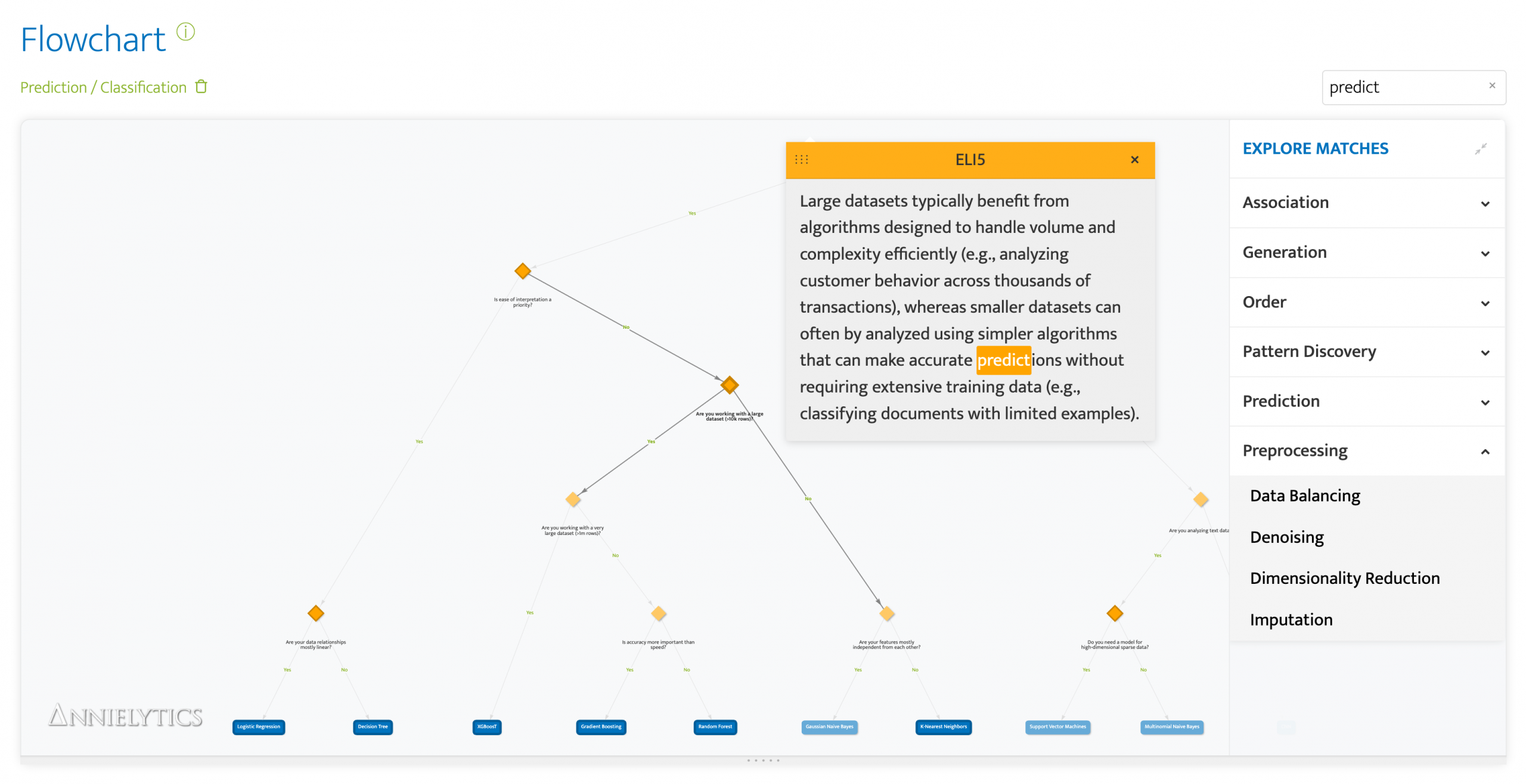
What it can’t include are my individual tools pages because they sit outside WordPress. They’re interactive web apps I built and host on a separate server that’s better optimized for Python apps. But each of them has their own custom search function, and the Machine Learning Model Picker has an Easter egg that no one’s found yet (and my most elegant search tool to date). 🐣