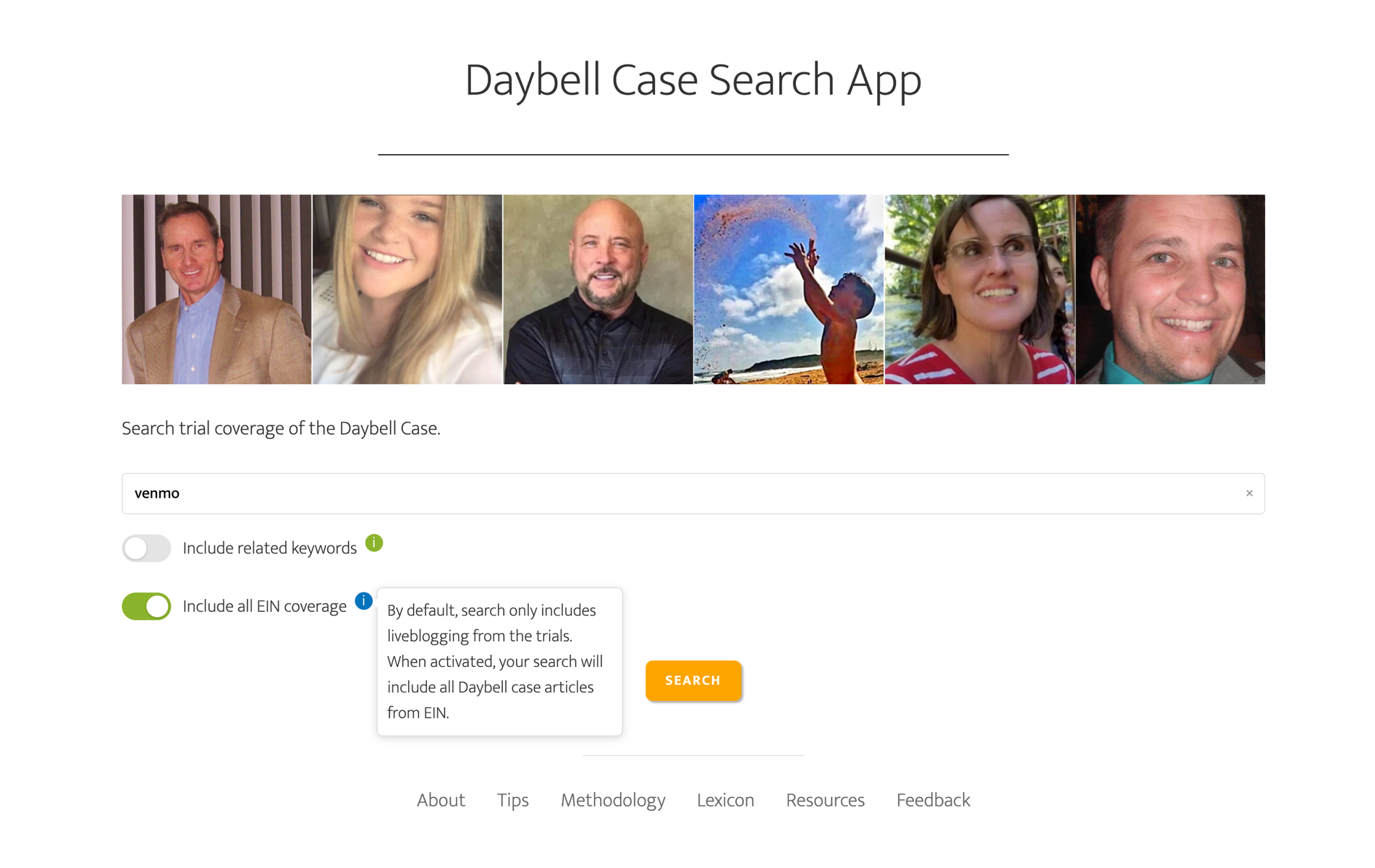
I lost my brother and niece, Joe and Tylee Ryan, in what would become a very high-profile murder case. Because the case was complex, with a lot of moving parts, I built a comprehensive timeline. (I was told by someone at the FBI that agents used it.) But during the trials, of which there were four, I also built an interactive app that searches content from these trials.
Source
East Idaho News is the sole data source for the app. There have been many reporters who have gone above and beyond in reporting on this case, but Nate Eaton’s liveblogging of the trials was legendary—and is the only reason this app exists because purchasing transcripts from the trials would have been cost prohibitive.
Process
Created a Rest API
With permission from East Idaho News, I isolated articles that have been tagged ‘Daybell case’ and imported them into the app via an API I created. I then identified articles that are liveblogging from the trials. By default, the app only searches trial coverage, but there’s a toggle that will search all Daybell case articles.
I used the Year to create filters because the different trials spanned 2023 to 2025, with no trial straddling multiple years, so this added an easy way to filter by trial.
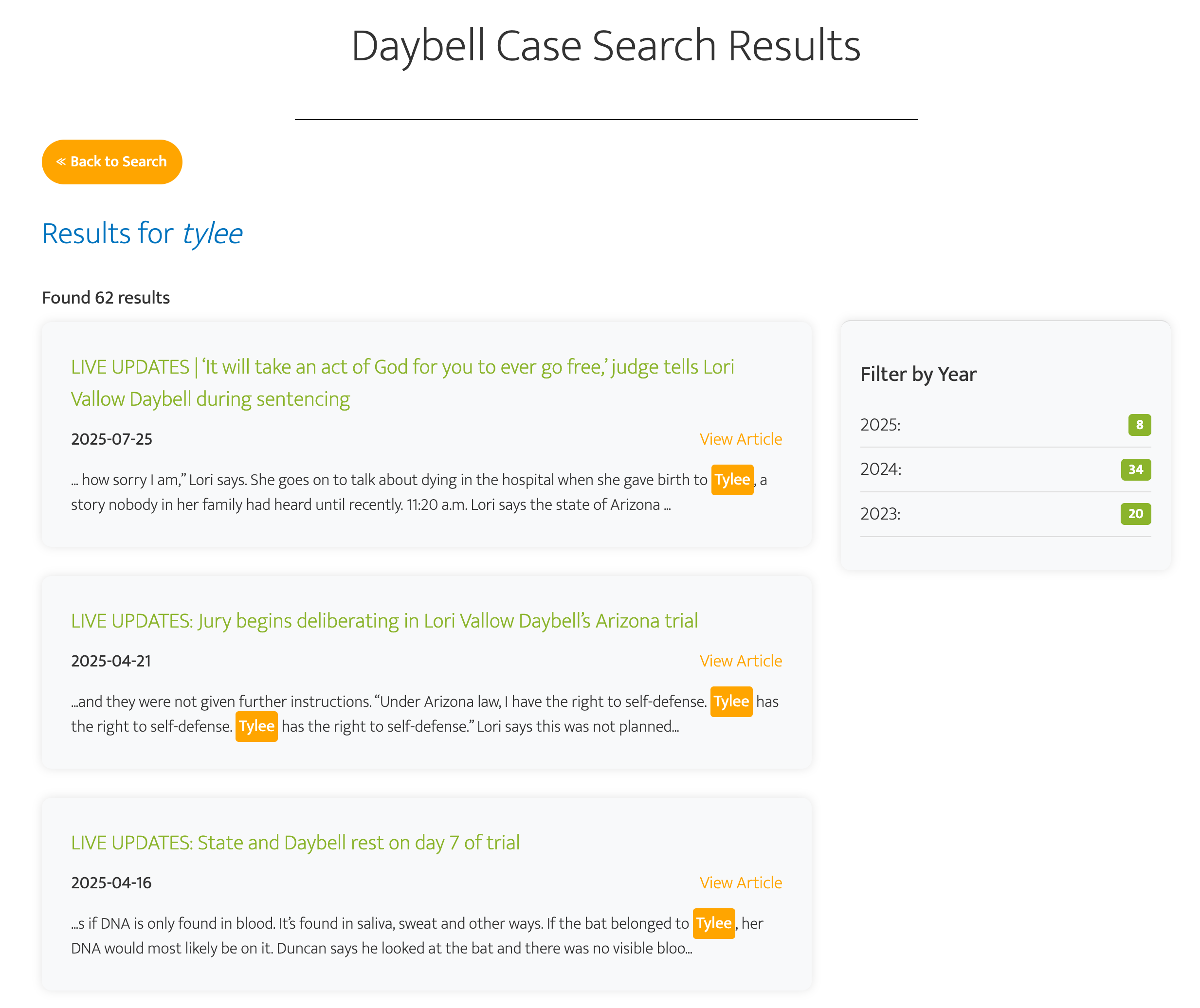
There were two trials in 2025, but they had different victims so filtering by 2025 will restrict search results to just the Arizona trials. (The trials in 2023 and 2024 were in Idaho and were higher profile, so that filtering is convenient for users who want to focus on Lori Vallow or Chad Daybell’s trials, which were in 2023 and 2024, respectively.)
Created a Database of Article Pages
I wanted the app to keep updating so I programmed the algorithm to retrieve new articles pertinent to the Daybell case daily (in the middle of the night when traffic is low). Each page is then stored in a PostgreSQL database that I manage.
That began with architecting the schema, spinning up the tables, and locking down user roles and access privileges. Ongoing work includes writing queries to fetch and filter incoming articles, tuning indexes to keep searches fast, and running routine maintenance, such as vacuuming dead rows and analyzing tables so the query planner has accurate statistics to work with.
Created a Sophisticated Search Experience
Dynamic Navigation
I pulled article pages into the app (again, with permission) because the liveblogging article pages are very long as each one covered a full day of trial. So I wanted to give users an easy way to cycle through search results.
I also knew most people following the case were on mobile devices, so it was imperative that the experience was as elegant on mobile devices as it was on desktop.
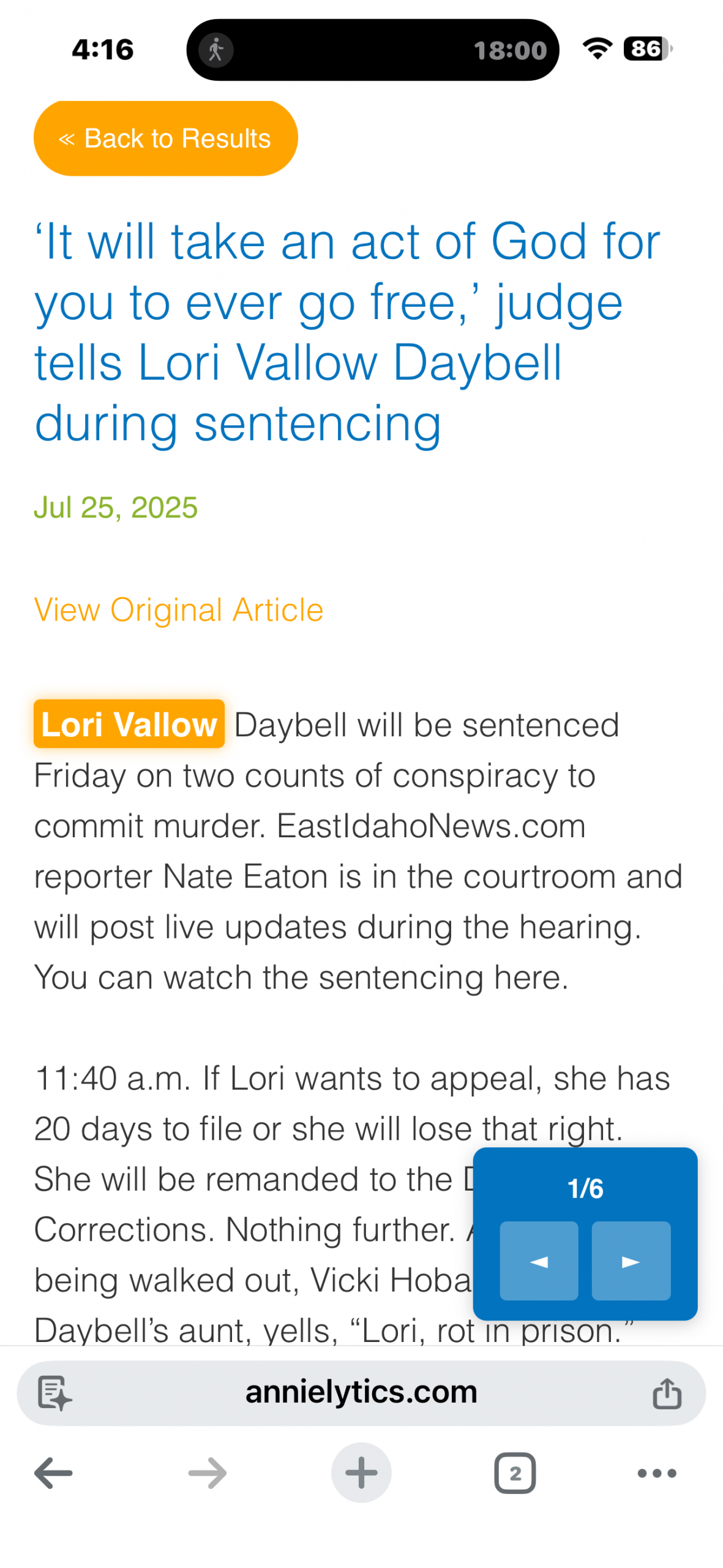
Side Note: I actually made all my apps responsive, even though my other apps are accessed more from desktop devices. I shared them with the director of my graduate program because they would’ve helped me along the high learning curve when it comes to working with AI and machine learning models. And students gravitate toward mobile more than desktop.
AI-Assisted Search
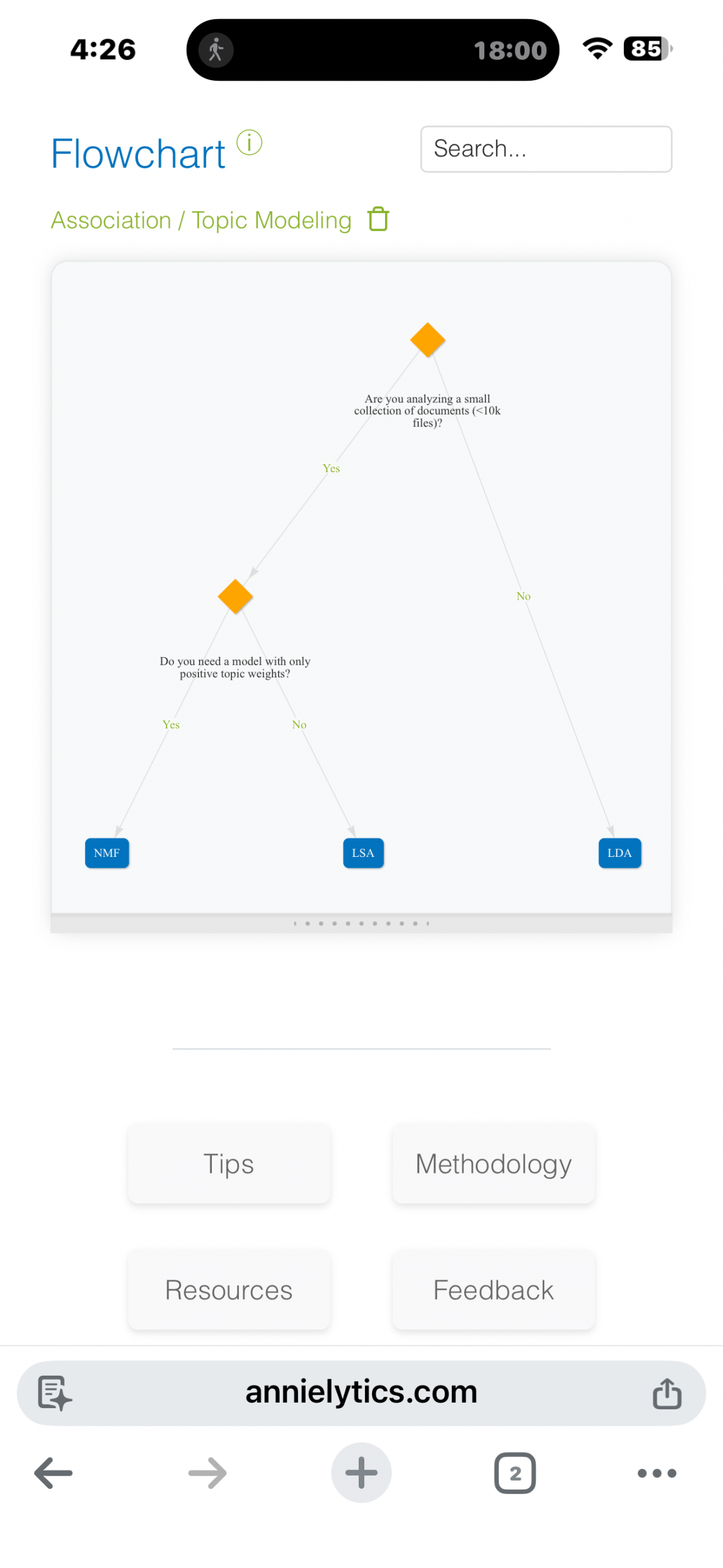
I learned from managing so much data around this case (how I coped with the loss), there is quite a bit of clustering around some of these topics. I wanted to add an option (even for my own use) that gave users the ability to expand search results to include related terms.
So if a user wanted to focus, for example, on financial evidence, they could expand their search results to include a cache of financial terms that were pertinent to this case (e.g., venmo, debit card, bbva, etc). But custom lists also included details like the names of children who were victimized by these crimes.
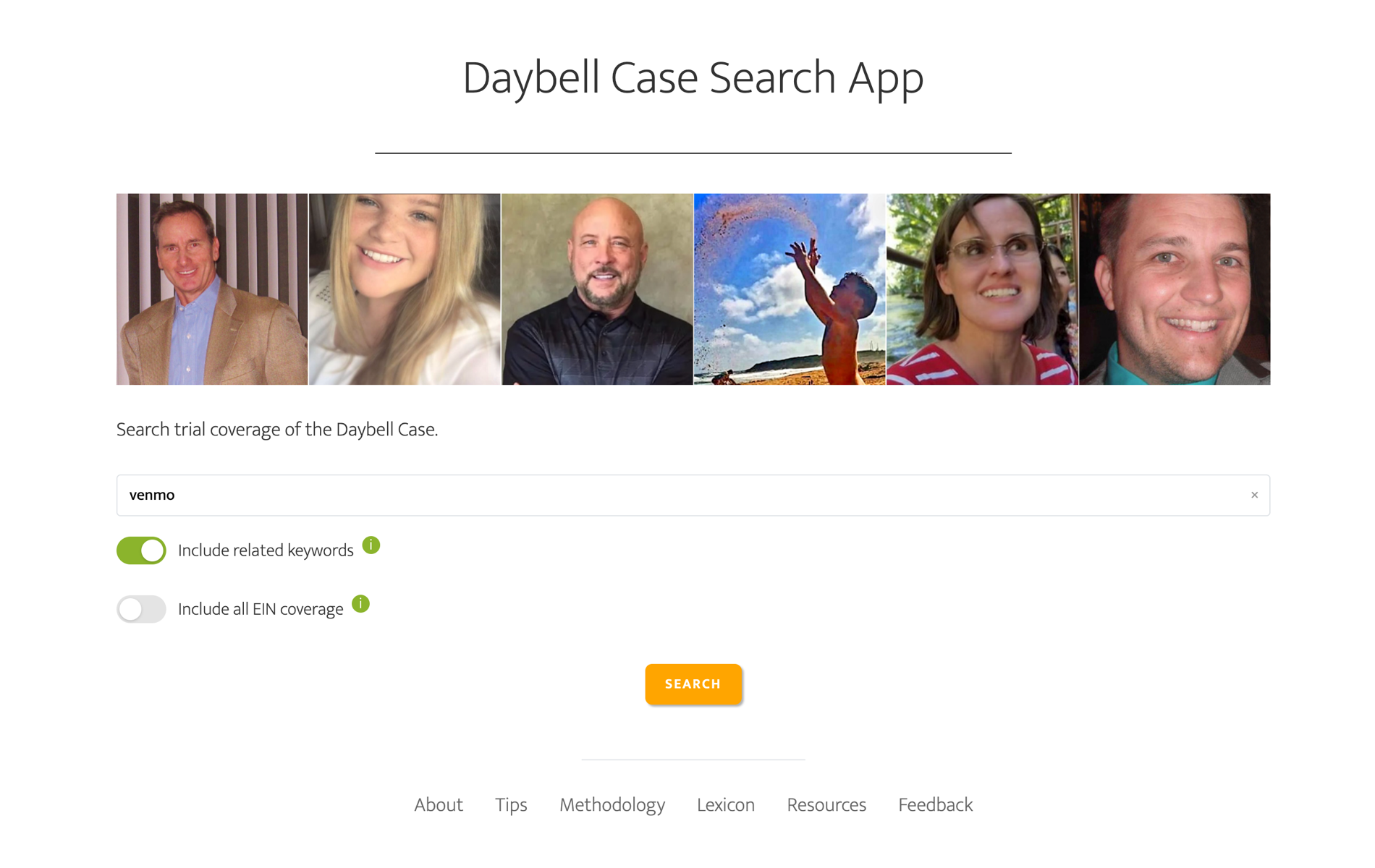
I used a combination Natural Language Processing (NLP) and custom dictionaries I created that are specific to this case. Then I added a toggle to the search page that allows users to include related keywords. I published these lists on the Case Lexicon page.
To demonstrate how it works, if a user searches for ‘forensic pathology’ with the toggle activated, the algorithm will highlight all keywords from the same dictionary.
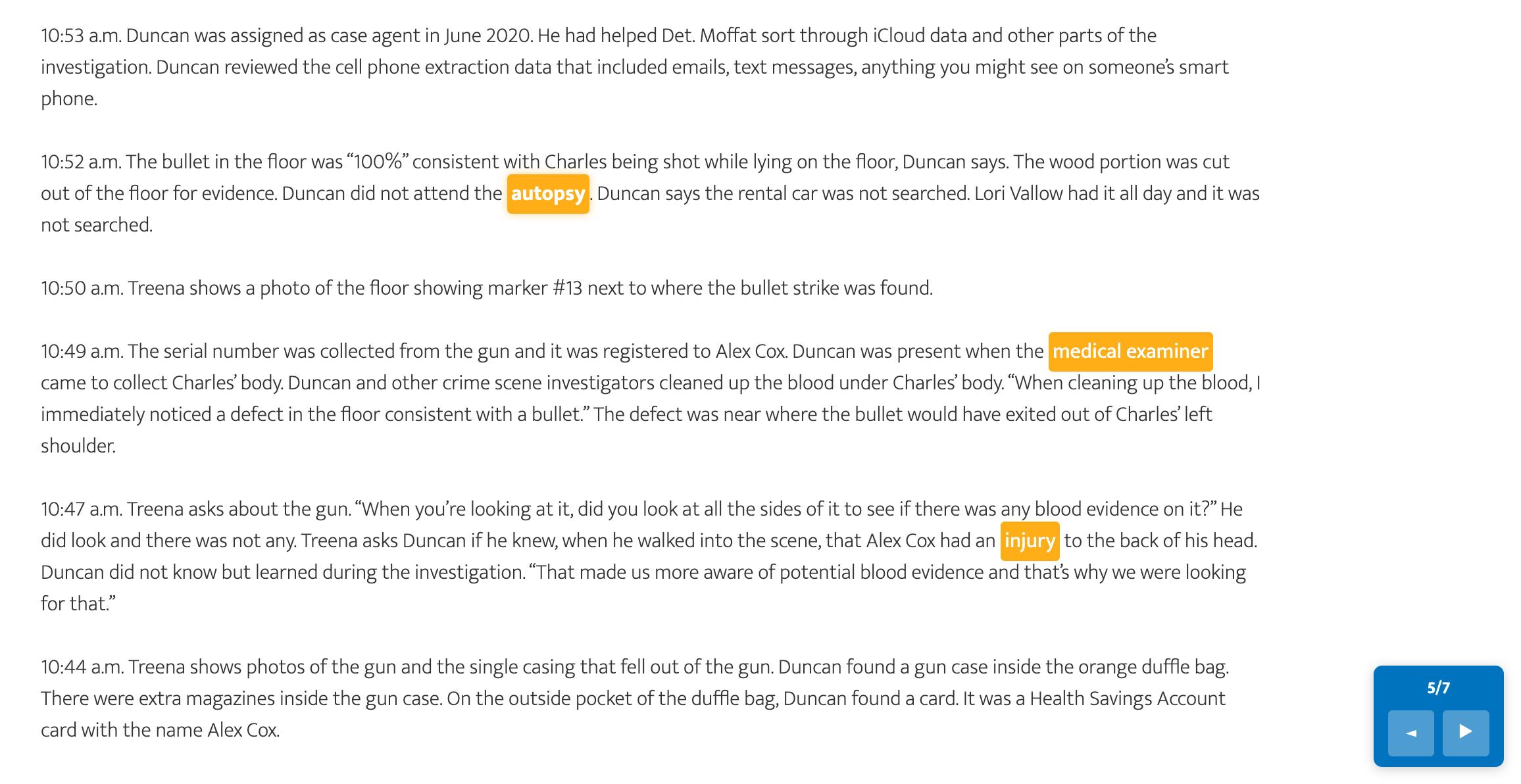
Each app has a methodology, resources, and tips page, accessible from the footer for that app. But I also am generous with interactive info icons in my apps to flatten the learning curve a bit.